 MvpDots
Spotlight
One search box for apps, maths, windows, files, settings and the web.
Win+Space (or Win+S, Win+Q, Win+R) opens Spotlight inside the island. Start typing; results are grouped:
| Source | Example |
|---|---|
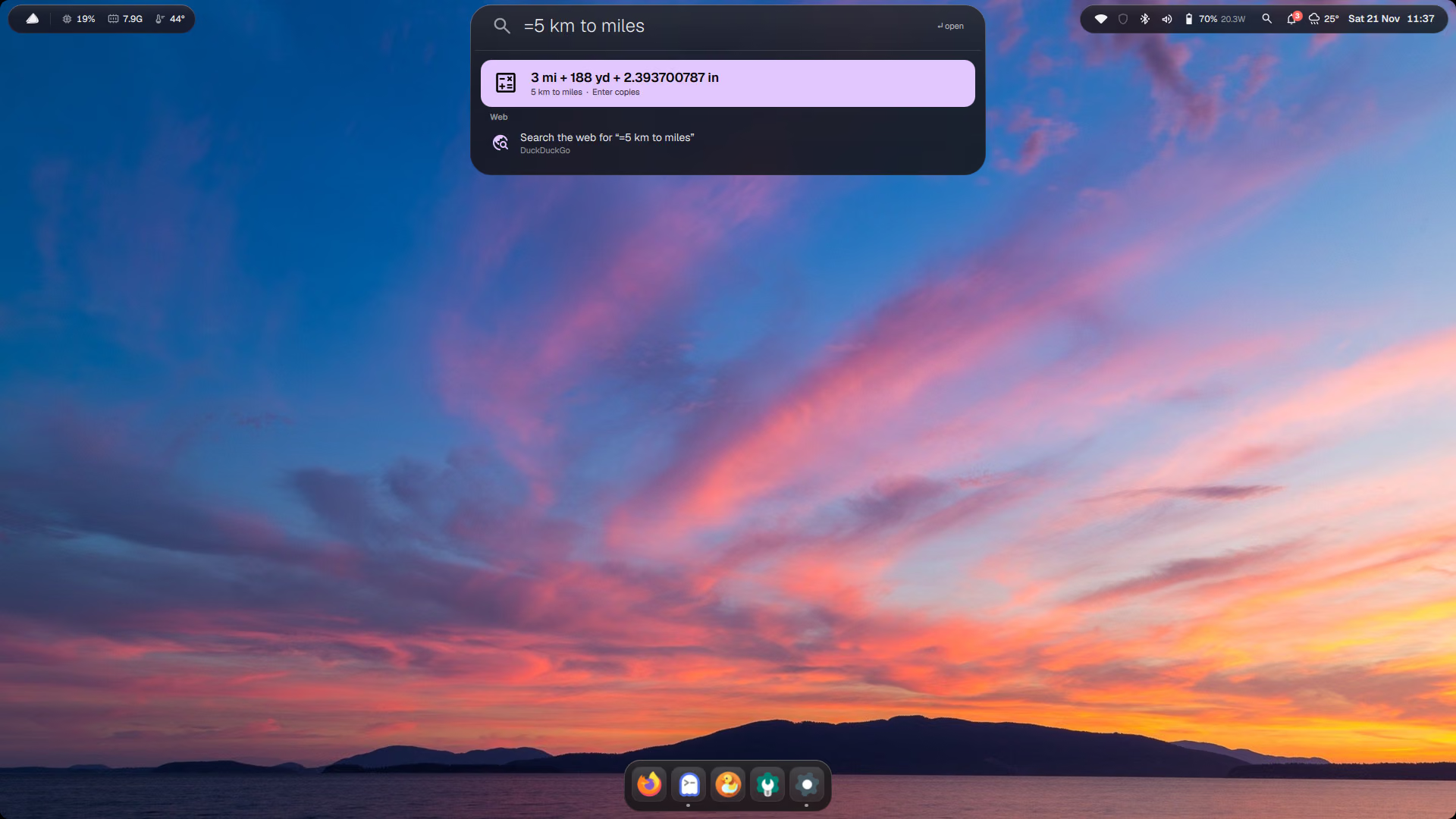
| Calculator | 12*7 answers instantly; =5 km to miles or =100 usd to inr goes to qalc |
| Apps | most-used first |
| Actions | lock, restart, screenshot… |
| Open windows | jump to any window |
| Files in your home folder | found with fd while you type (no background indexing). Shift+Enter = Quick Look |
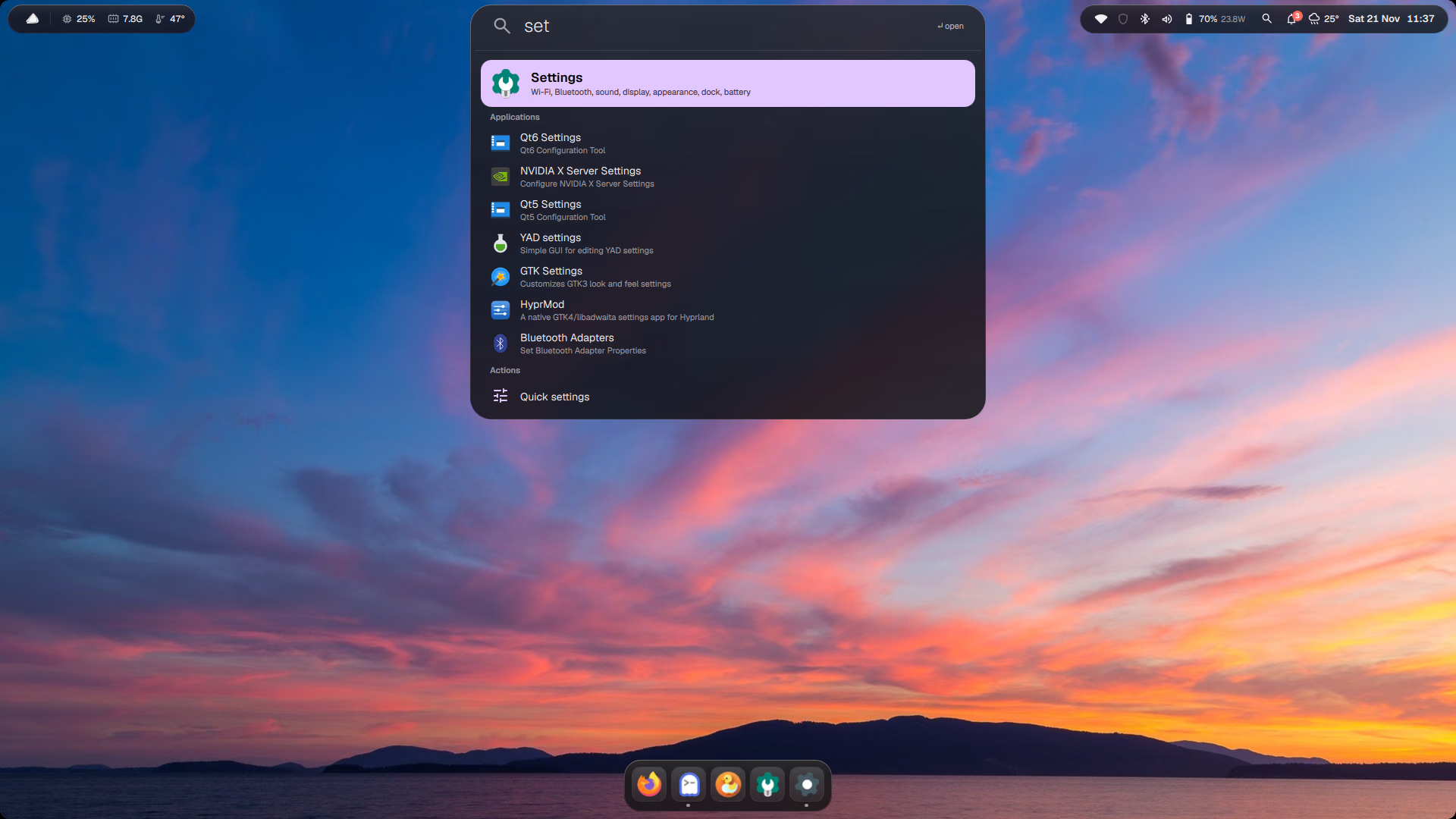
| Settings | every Settings page and option |
| Web | search the web for what you typed |
The launcher also has tabs for clipboard history (Win+V) and emoji (Win+.).
App launch counts are kept in ~/.local/state/quickshell/launcher.json.
How it works
Spotlight opens inside the island (it is not a separate window), so it appears exactly where your eyes already are.
Files are searched with fd only while you type; nothing indexes your disk in the background. Plain arithmetic is
evaluated in the shell itself; anything starting with = goes to qalc, which knows units and currencies.
qs ipc call shell search "=100 usd to eur"