 MvpDots
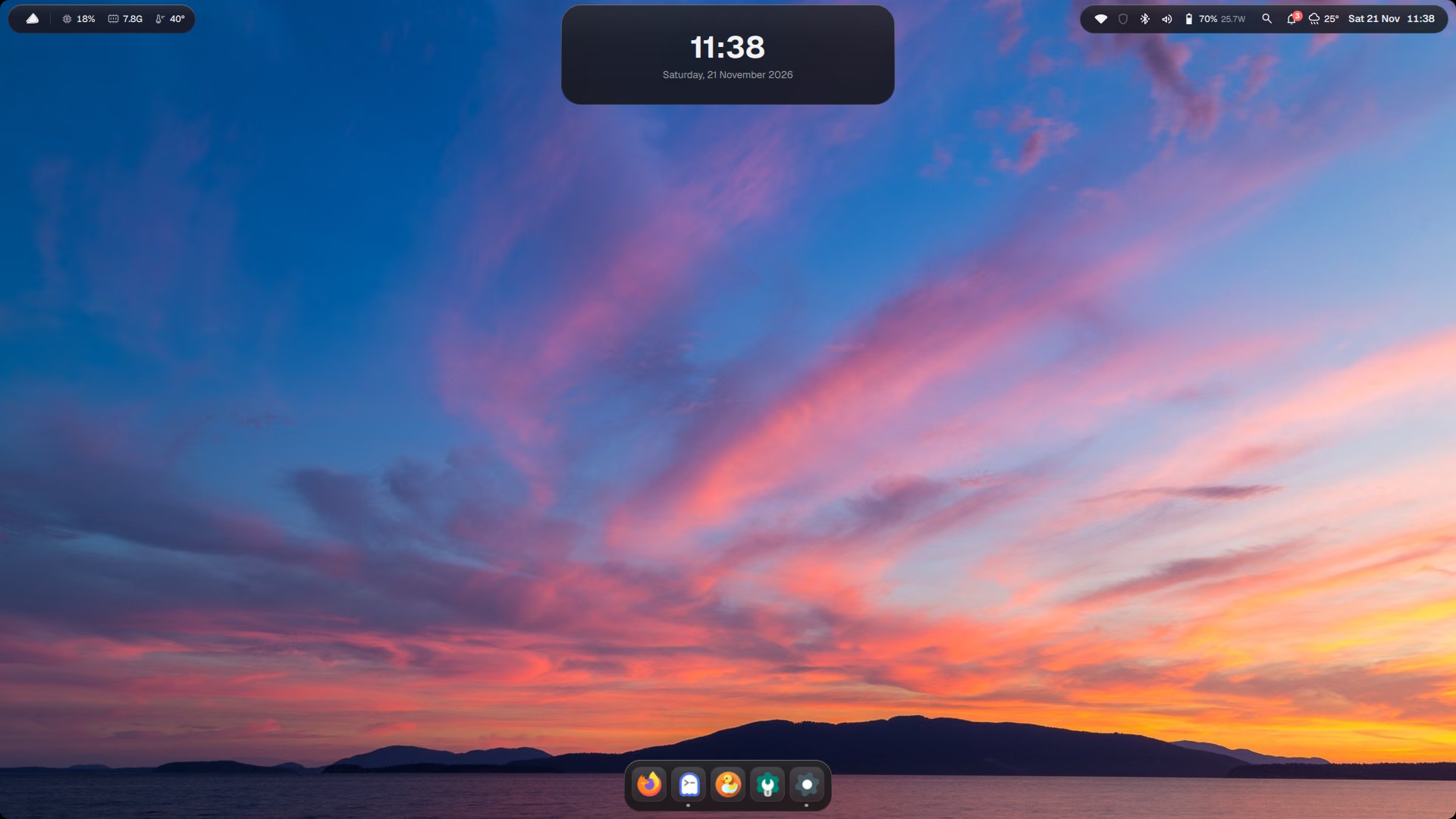
Dynamic Island
One black capsule in the middle of the bar that turns into whatever you need.
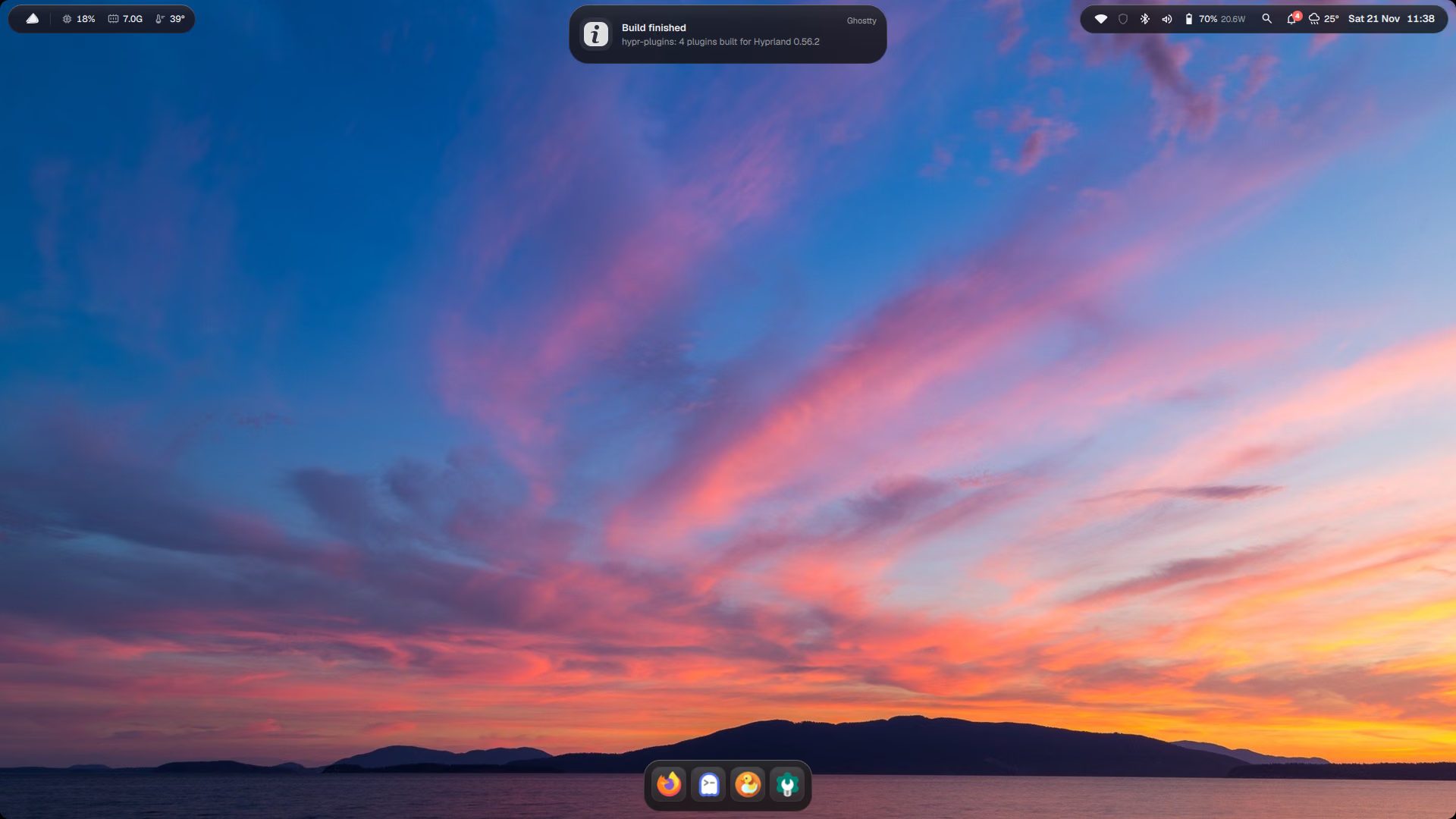
The top bar is two floating glass pills with the Dynamic Island between them. The island always shows the most important thing, in this order:
- Volume and brightness while you change them (the on-screen display)
- A new notification, for a few seconds (it waits while your pointer is on it)
- The expanded card, if you clicked it (Win+Alt+I)
- Now playing, while music or video plays
- The clock, when nothing else is going on
Panels grow out of it
Spotlight, Control Centre and the calendar are not separate windows. The island itself morphs into them and shrinks back when you close them, so there is one surface, one glass and one animation. On a laptop with an external screen, panels open on the screen you are working on.
The audio spectrum
While music plays, the expanded card shows a live spectrum (cava). It runs only while the card is open: a spectrum in the small pill would cost about 18 % CPU for a few pixels.
The bar around it
- Left pill: desktop dots, and system stats (CPU, RAM, temperature; hover for details, click opens btop).
- Right pill: app tray icons and a status group (Wi-Fi, Bluetooth, microphone/camera in use, volume, battery) that opens Control Centre.
- The logo at the far left opens the system menu (like the Apple menu): about, settings, lock, restart, shut down.
How it works
The island is one QML item that picks a mode every time something changes, in priority order:
readonly property string mode: panel !== "" ? panel      // Spotlight, Control Centre, calendar…
    : Osd.kind !== "" ? "osd"                              // volume or brightness just changed
    : notif ? "notif"                                      // a new notification
    : Panels.islandExpanded ? "expanded"                   // you clicked it
    : player && player.isPlaying ? "media"                 // music is playing
    : "idle"                                               // the clock
Each mode has a size; the capsule animates to it, and the content for that mode fades in:
readonly property var sizes: ({
    idle:  [Math.max(130, idleRow.implicitWidth + 30), Theme.barHeight],
    media: [330, Theme.barHeight],
    osd:   [300, Theme.barHeight],
    notif: [420, 78],
    expanded: [440, player ? 188 : 132],
})
Change it
A wider notification pill, for long app names:
-    notif:    [420, 78],
+    notif:    [480, 78],
Check it with qmllint, see Editing the shell.