MvpDots
Extras
The small things that make it feel finished.
| Feature | How |
|---|---|
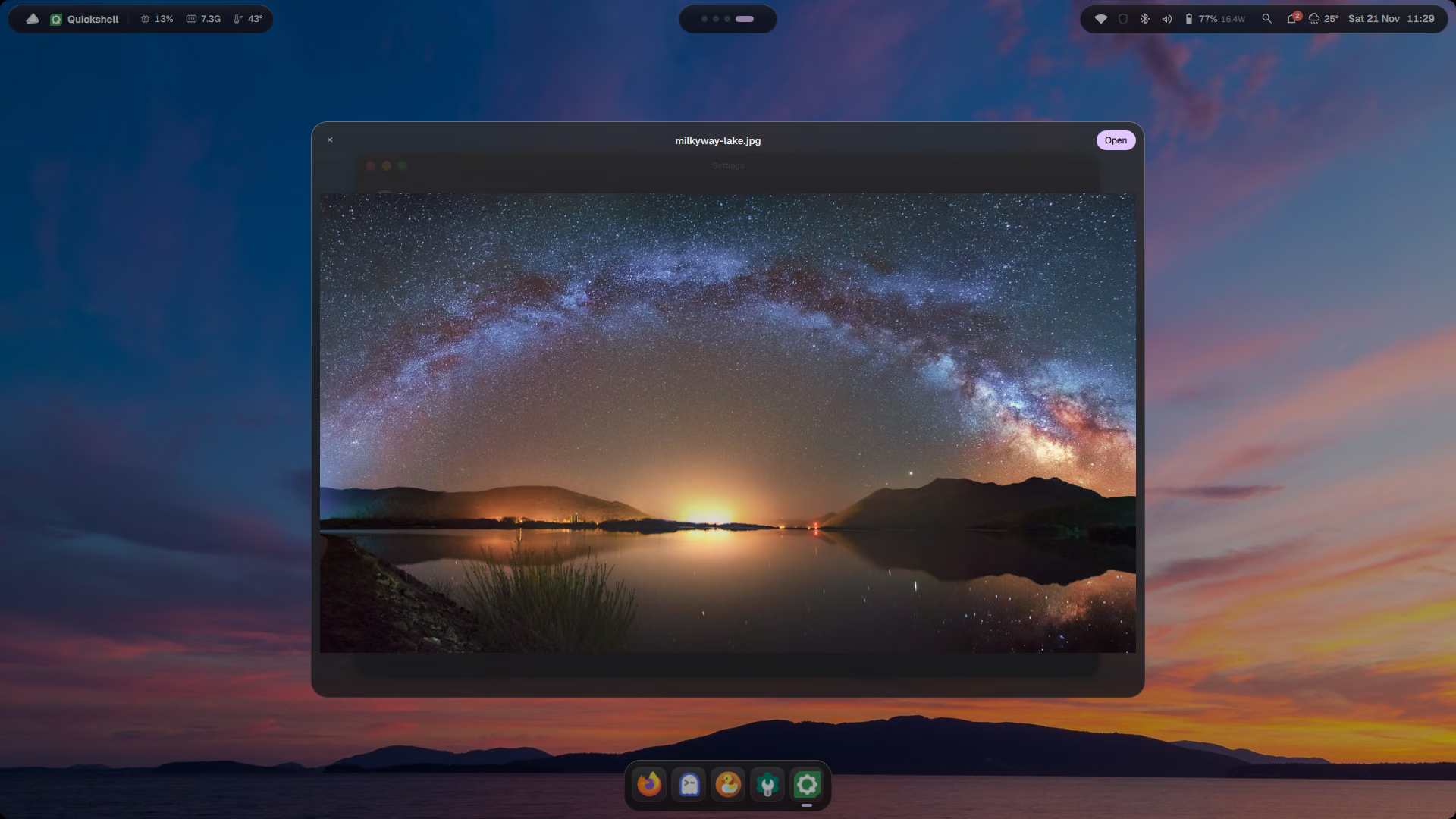
| Quick Look | Shift+Enter on a file in Spotlight: preview images, PDFs, videos and text without opening an app |
| Hot corners | push the pointer into a corner: top-left = Mission Control, top-right = notifications, bottom-right = show desktop (change in Settings) |
| Rounded screen corners | like a MacBook display; drawn once, no cost |
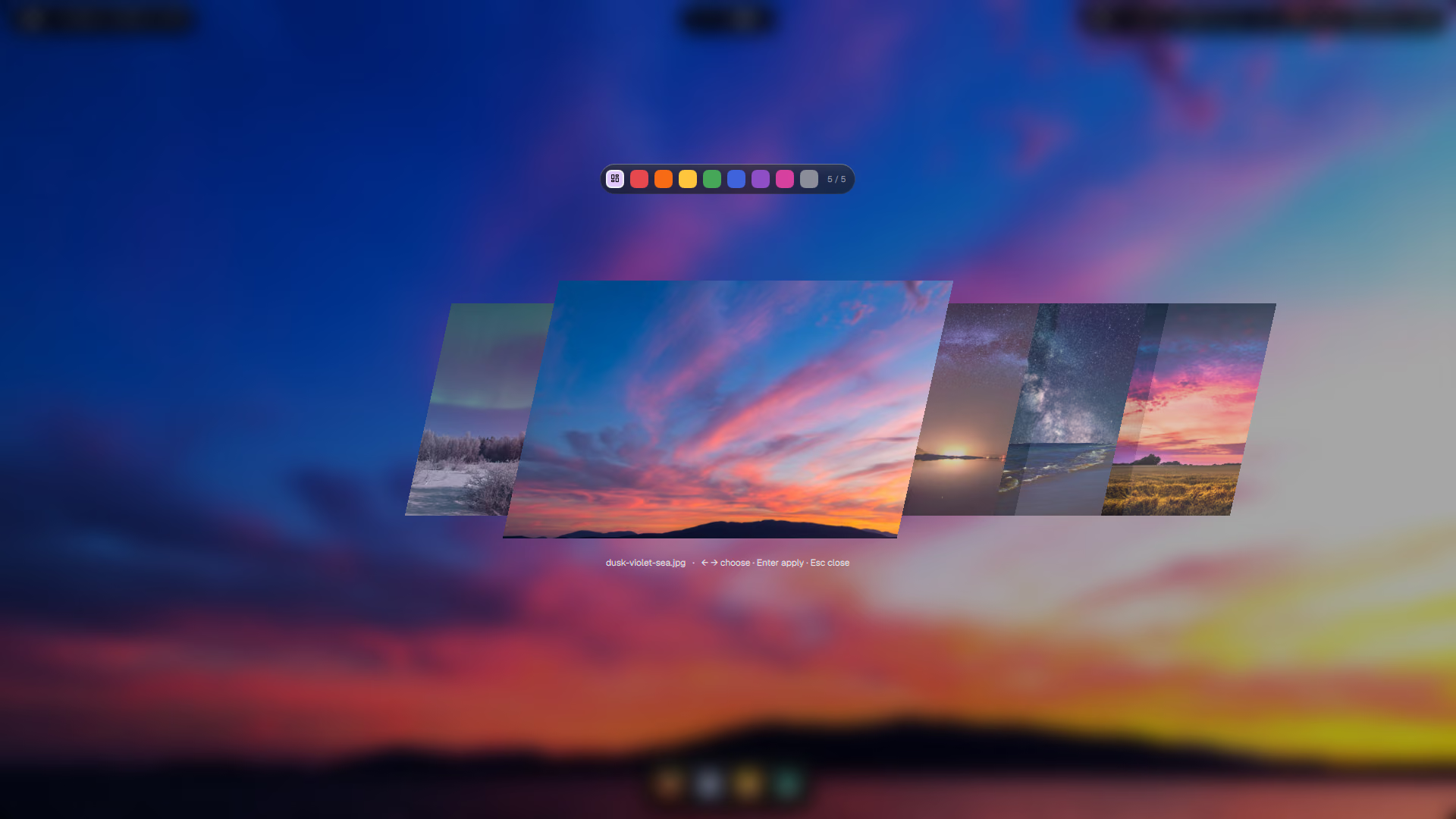
| Wallpaper carousel | Win+W: skewed cards, filter by colour, Enter sets it and re-themes everything |
| Desktop clock | a large clock on the wallpaper, under your windows |
| Weather | in the bar: one small request every 30 minutes, location from your IP, hidden when offline |
| Night light | warmer colours with hyprsunset; optional schedule from sunset to sunrise |
| Drawers | Ctrl+Shift+Esc slides in an Activity Monitor (btop), Win+Shift+N a Quick Note; press again to hide |
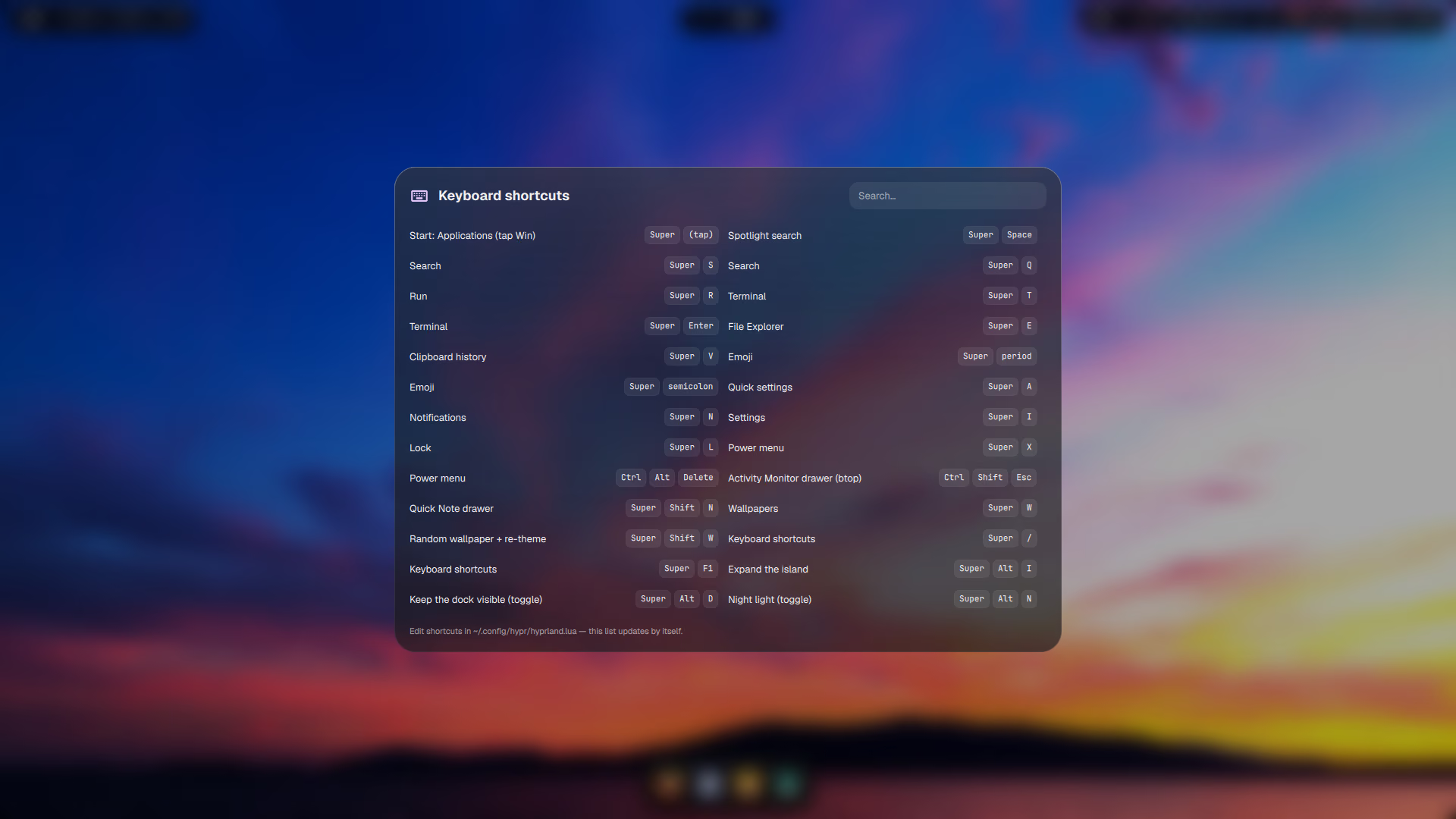
| Shortcut sheet | Win+/ lists every binding, read live from Hyprland, searchable |
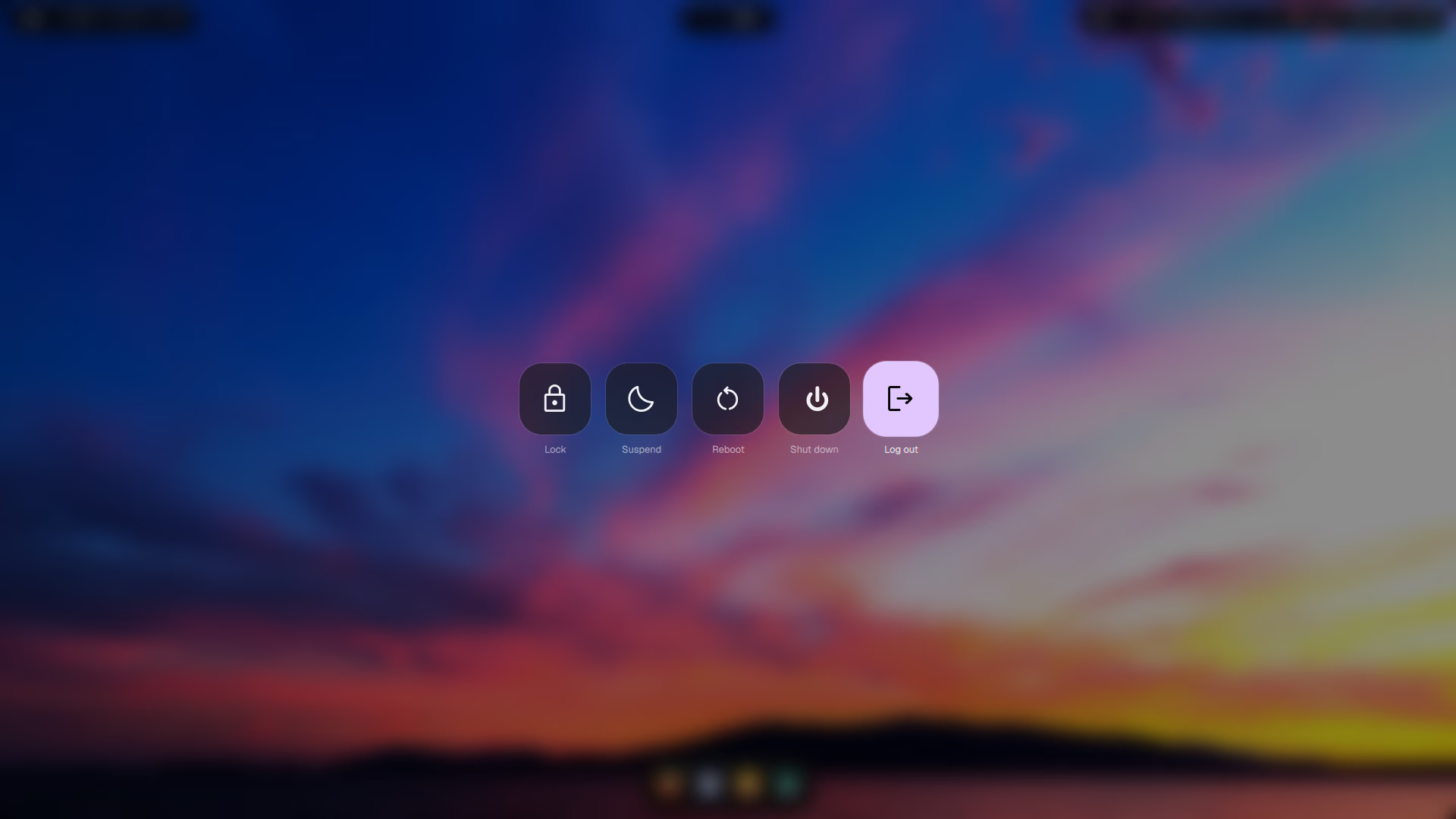
| Power menu | Win+X or Ctrl+Alt+Del: lock, log out, sleep, restart, shut down, with arrow keys |
| Battery warnings | one notification at 15 % and at 5 % |
| Power saver on battery | switches the power profile when you unplug |
| Emoji picker | Win+. |
| Colour picker | Win+Shift+C copies the hex code |