 MvpDots
Lock & login screen
One design for the login screen and the lock screen.
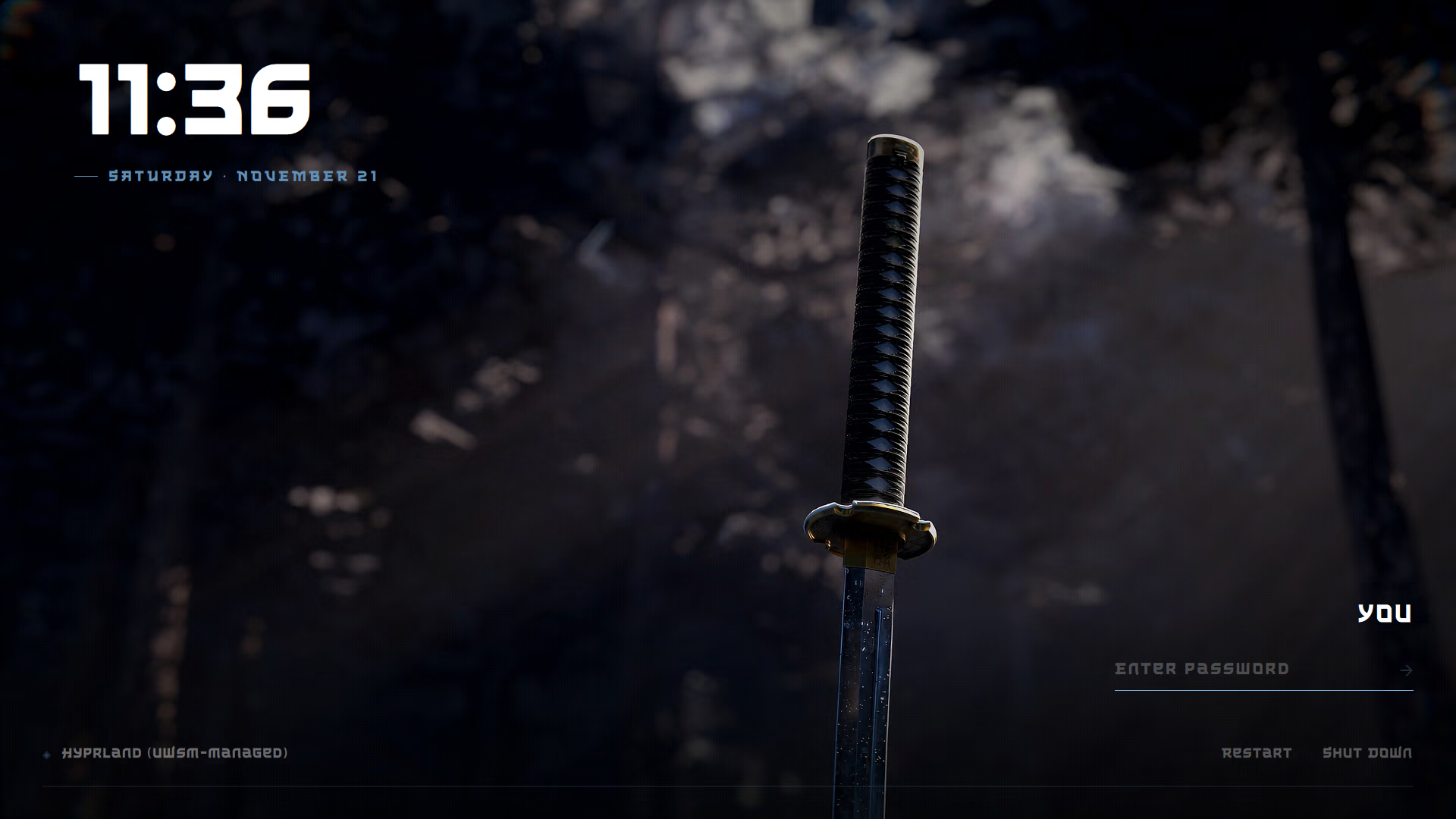
The lock screen (Win+L, or after idle time) and the SDDM login screen share one design: a full-screen artwork, a thin clock in the top-left corner, and the password line bottom-right. The design is adapted from the "sword" theme of qylock, as a still image instead of a video, so there is no GStreamer dependency.
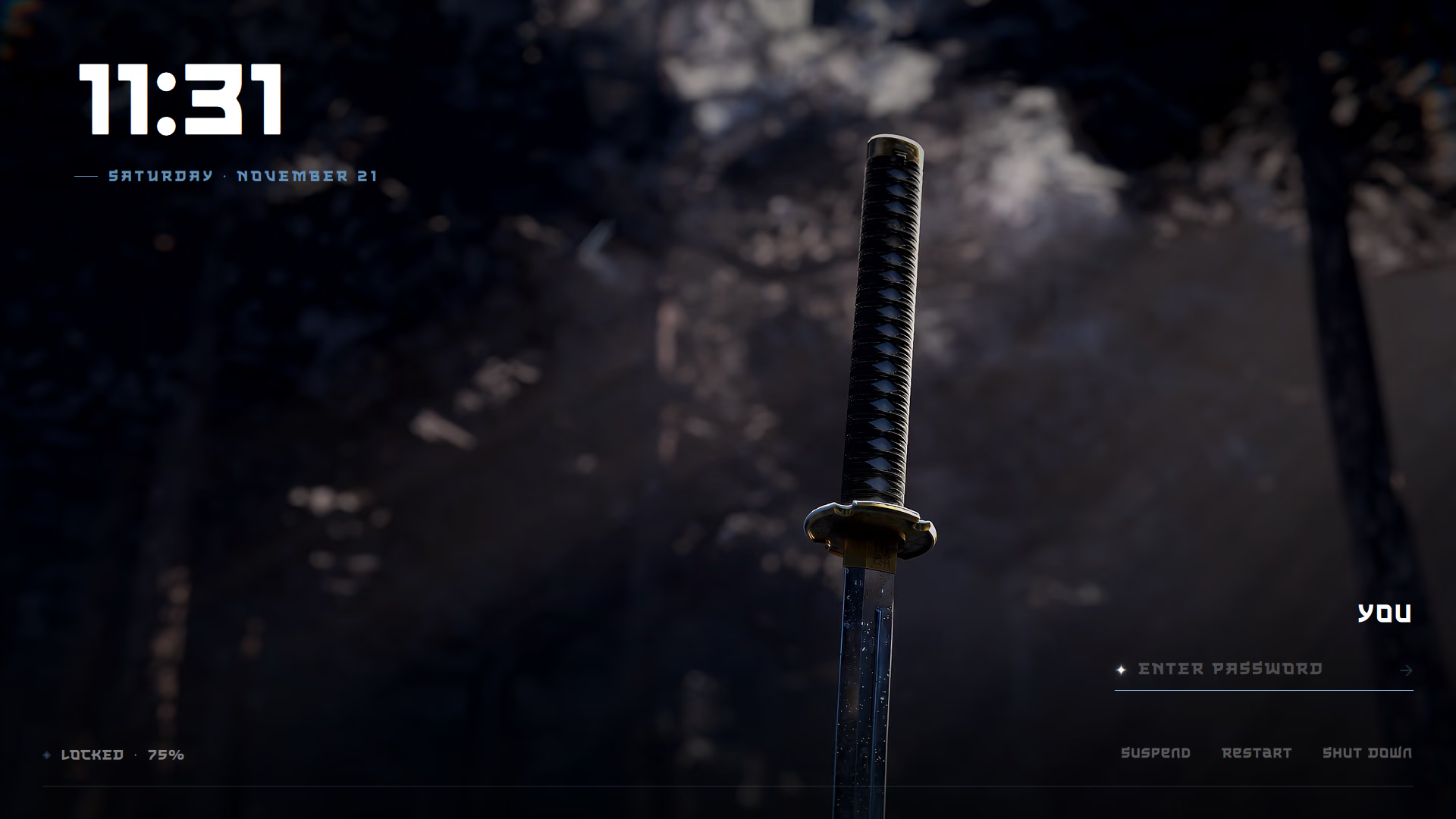
- The lock uses the Wayland session-lock protocol and PAM. If the shell ever crashes while locked, the screen stays locked, and the restarted shell takes the lock back.
- When it locks, your desktop dissolves into the artwork.
- Install the login screen theme with
./install.sh --sddm.
The font
The original theme uses The Last Shuriken (Arterfak Project), which cannot be redistributed. Without it
the lock screen uses the interface font. If you own the font, copy the .ttf to ~/.local/share/fonts/.
About the artwork
The screenshots show the author's own setup (a katana still and the font The Last Shuriken). The theme in the
repository ships with its own katana artwork and falls back to the interface font, because neither the original
image nor that font may be redistributed. To use your own picture, replace the image in
system/sddm/sword/ and ~/.config/quickshell/assets/.
Idle
| After | What happens |
|---|---|
| 15 min | screen dims |
| 20 min | locks |
| 20.5 min | screen turns off |
| 30 min | sleeps (only on battery) |
Keep awake (Win+Alt+K) pauses all of it, for a film or a long download.
How it works
- Locking is asked for by
hypridle(after 20 minutes), by Win+L, or before sleep. All three call the same thing:qs ipc call shell lock. - The lock is a Wayland session lock (
WlSessionLock): the compositor itself guarantees nothing else is shown until it is released. The password is checked by PAM with~/.config/quickshell/pam/lock.conf. - If the shell crashes while locked, Hyprland keeps the screen locked; the restarted shell takes the lock back
(
misc.allow_session_lock_restore).
general {
    lock_cmd = qs ipc call shell lock
    before_sleep_cmd = loginctl lock-session
    after_sleep_cmd = ~/.local/bin/idle-step on
}
Install the login screen
./install.sh --sddm # copies the theme to /usr/share/sddm/themes/sword and selects it+[Theme]
+Current=sword