 MvpDots
Settings
A System Settings app, so you never have to edit a config file.
Win+I opens Settings, laid out like macOS System Settings, with search (Ctrl+F) across every page and option.
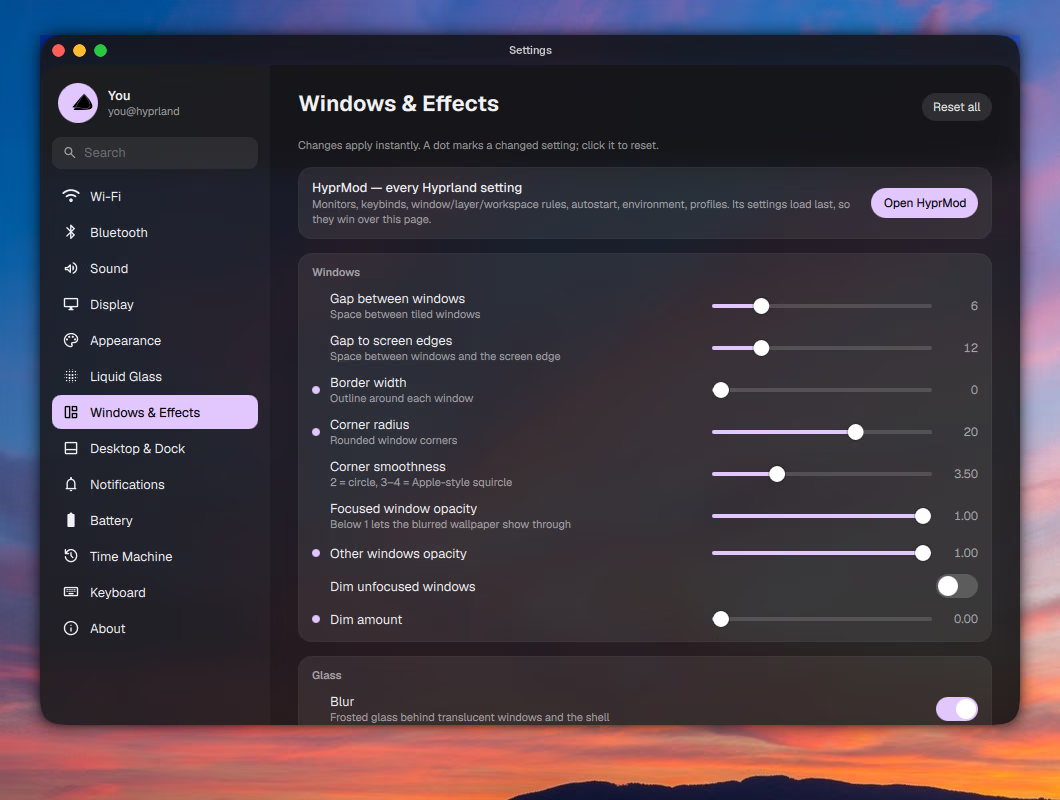
| Page | What you can change |
|---|---|
| Wi-Fi · Bluetooth · Sound | networks, devices, outputs and inputs |
| Display | brightness, night light (with a sunset → sunrise schedule), Eco look, scale |
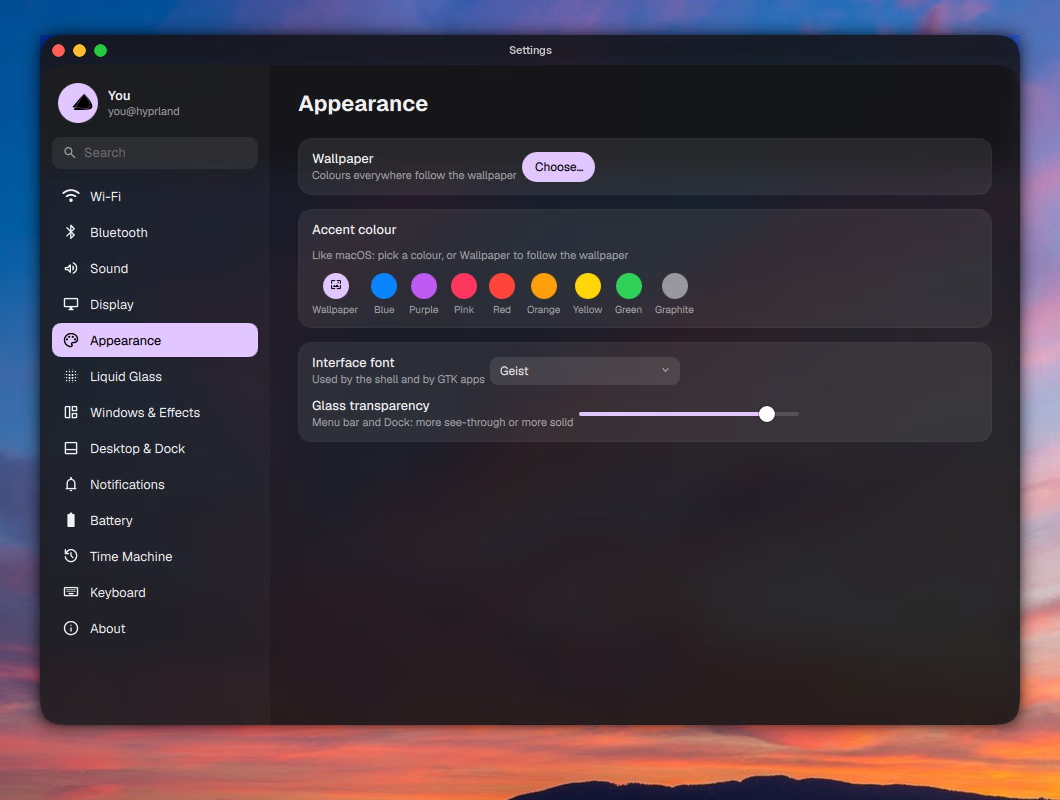
| Appearance | wallpaper, accent colour (from the wallpaper, or a fixed macOS accent), interface font, glass transparency |
| Liquid Glass | glass style, frost, refraction, edge glow, where the glass appears |
| Windows & Effects | gaps, borders, corner radius, opacity, blur, shadows, animations, layout. A dot marks every changed value; click it to reset. |
| Desktop & Dock | hot corners, rounded screen corners, pinned dock apps, bar stats |
| Notifications | do not disturb |
| Battery | power mode, idle timings, keep awake |
| Time Machine | your snapper snapshots, with a Back up now button |
| Keyboard | every shortcut, rebindable |
| About | system, hardware, uptime, packages |
Changes apply instantly. Hyprland settings are written to ~/.config/hypr/look.json and a generated
look.lua, and Hyprland reloads them by itself.
Time Machine needs snapper
The Time Machine page lists snapshots of / made by snapper. To let your user see them and create new ones,
add yourself to ALLOW_USERS in /etc/snapper/configs/root. The Laptop Config explains the setup.
How it works
Each page writes a small JSON file; the shell watches those files and applies changes at once. For Windows & Effects
the shell also generates Lua: only the values you change, in look.lua, which Hyprland reloads by itself.
 // ~/.config/hypr/look.json
 {
-  "decoration.rounding": 12
+  "decoration.rounding": 20
}hl.config({ decoration = { rounding = 20 } })A dot next to a value means you changed it; click the dot to reset just that value. See Settings keys for every key.