 MvpDots
Dock
A floating dock that hides only when a window would cover it.
- Pinned and running apps, with a dot under running ones. Right-click: new window, pin / unpin, close.
- Magnification on hover and a bounce while an app starts.
- Minimised windows appear at the end of the dock; click one to bring it back.
Smart auto-hide
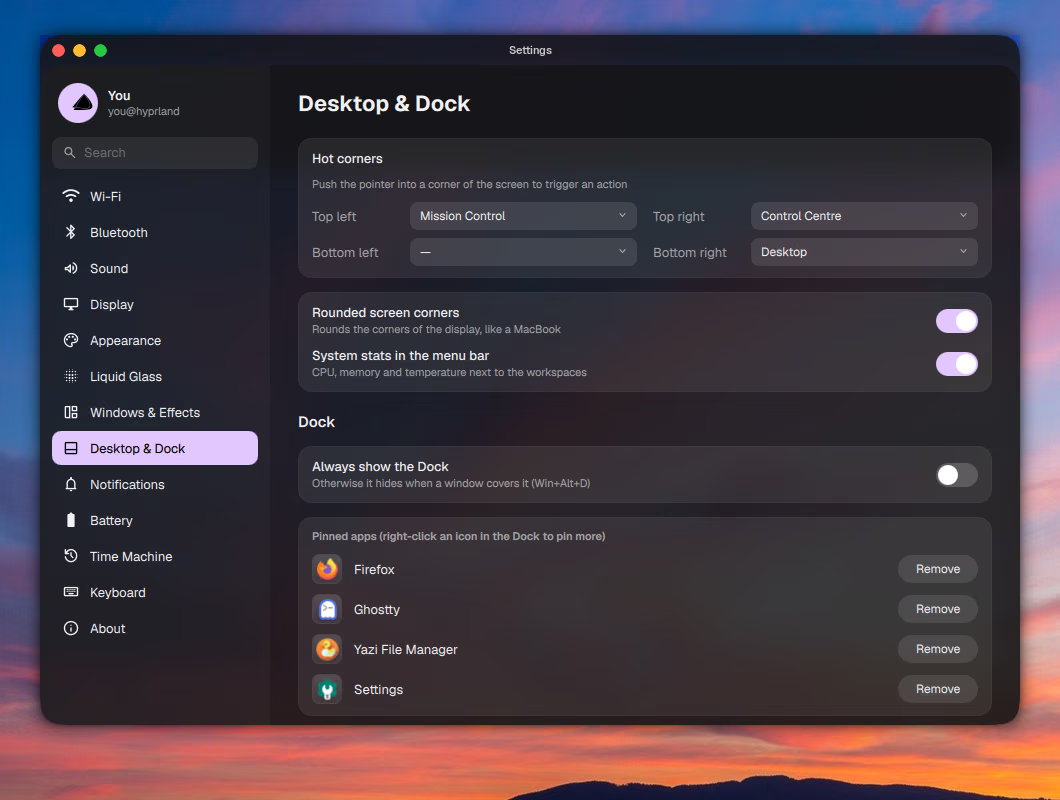
The dock stays visible unless a window actually overlaps it, or something is fullscreen. Push the pointer against the bottom edge to reveal it. Win+Alt+D keeps it visible all the time.
Window positions are read again only when Hyprland reports a change (open, close, focus, fullscreen, desktop), so the dock does no work while nothing changes.
Pinned apps are stored in ~/.config/quickshell/dock.json. Change them in Settings → Desktop & Dock.
How it works
The dock asks Hyprland where every window on the current desktop is, but only when Hyprland reports a change (open, close, focus, fullscreen, desktop switch). If any window overlaps the dock's area, it slides away.
Change it
Pinned apps live in ~/.config/quickshell/dock.json; see the recipe.