 MvpDots
Introduction
MvpDots is a complete macOS-style desktop for Hyprland 0.55+, installed with one command.
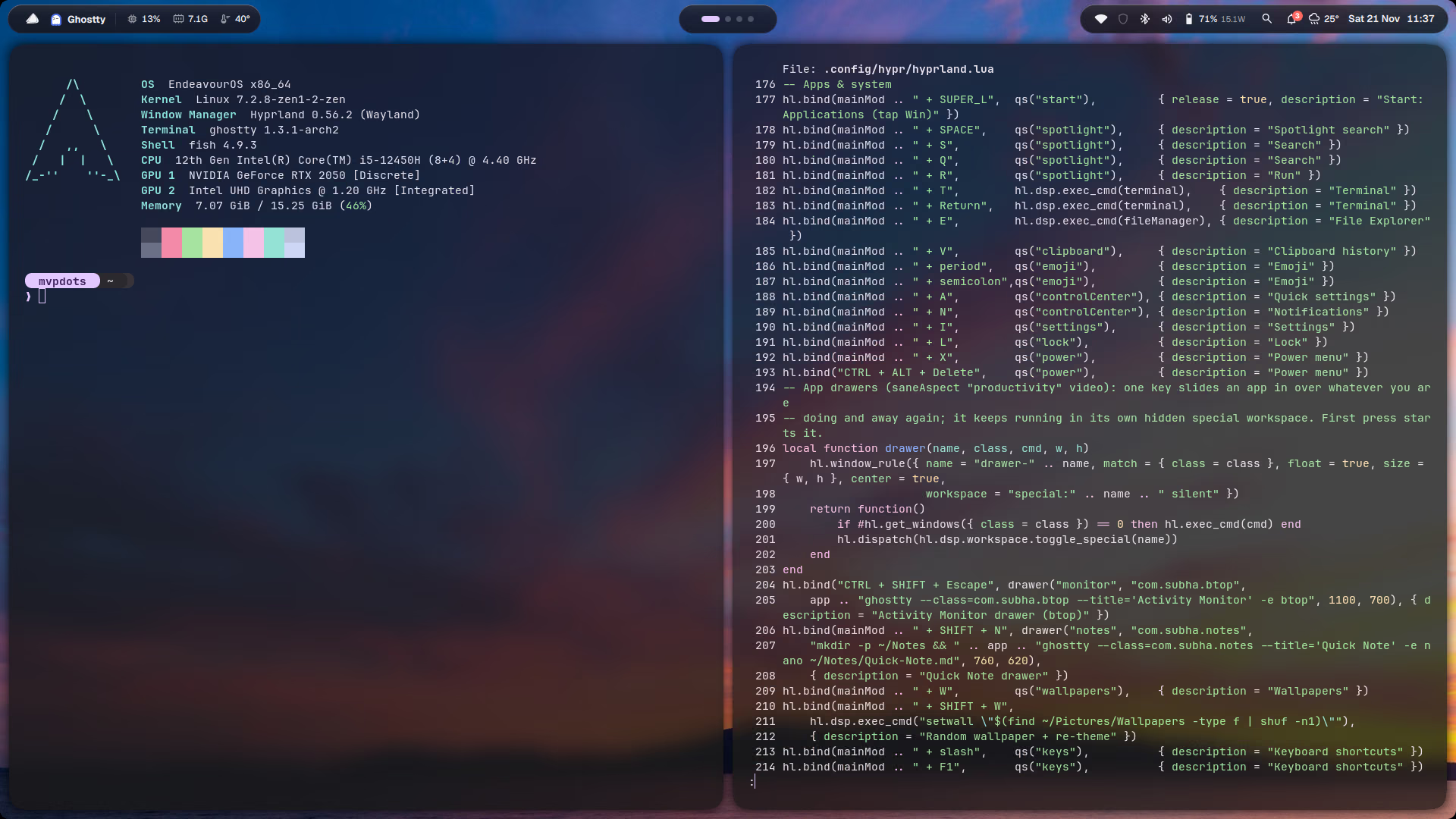
MvpDots turns a fresh Arch-based install into a finished desktop: a shell written from scratch in Quickshell (bar, Dynamic Island, dock, Spotlight, Control Centre, Settings, lock screen), a Hyprland config in Hyprland's new Lua language, and one colour palette, taken from your wallpaper, applied to everything.
New to Hyprland?
Hyprland is a tiling Wayland compositor: windows are arranged next to each other automatically instead of overlapping. MvpDots keeps that, and adds everything people miss coming from macOS or Windows: a dock, a launcher, a control centre, a settings app and familiar shortcuts.
What you get
Dynamic Island
Colours from the wallpaper
Liquid Glass
A Settings app
Your habits
Light
How to read these docs
Get started: Installation → Your first login. About ten minutes.
Use the desktop: Shortcuts, then one page per feature. Each page says what the feature does, how to use it, how it works (with the real code) and how to change it.
Built with
| Part | Program | Why this one |
|---|---|---|
| Compositor | Hyprland ≥ 0.55 | Smooth animations, and a Lua config the Settings app can safely write to |
| Session | uwsm | Starts Hyprland as a proper systemd session, so services get the right environment |
| Shell | Quickshell ≥ 0.3 (QML) | One process for bar, island, dock, panels and lock screen |
| Colours | matugen | Material You palettes from any image, one template per app |
| Wallpaper | awww | Animated wallpaper changes, restores the last one at login |
| Terminal · files | Ghostty · Yazi | Fast, themeable, and Ghostty reloads colours live |