 MvpDots
A macOS-style desktop for Hyprland
Dynamic Island, Spotlight, Mission Control, Liquid Glass and colours taken from your wallpaper. A shell written from scratch in Quickshell, configured in Hyprland’s Lua, installed with one command.
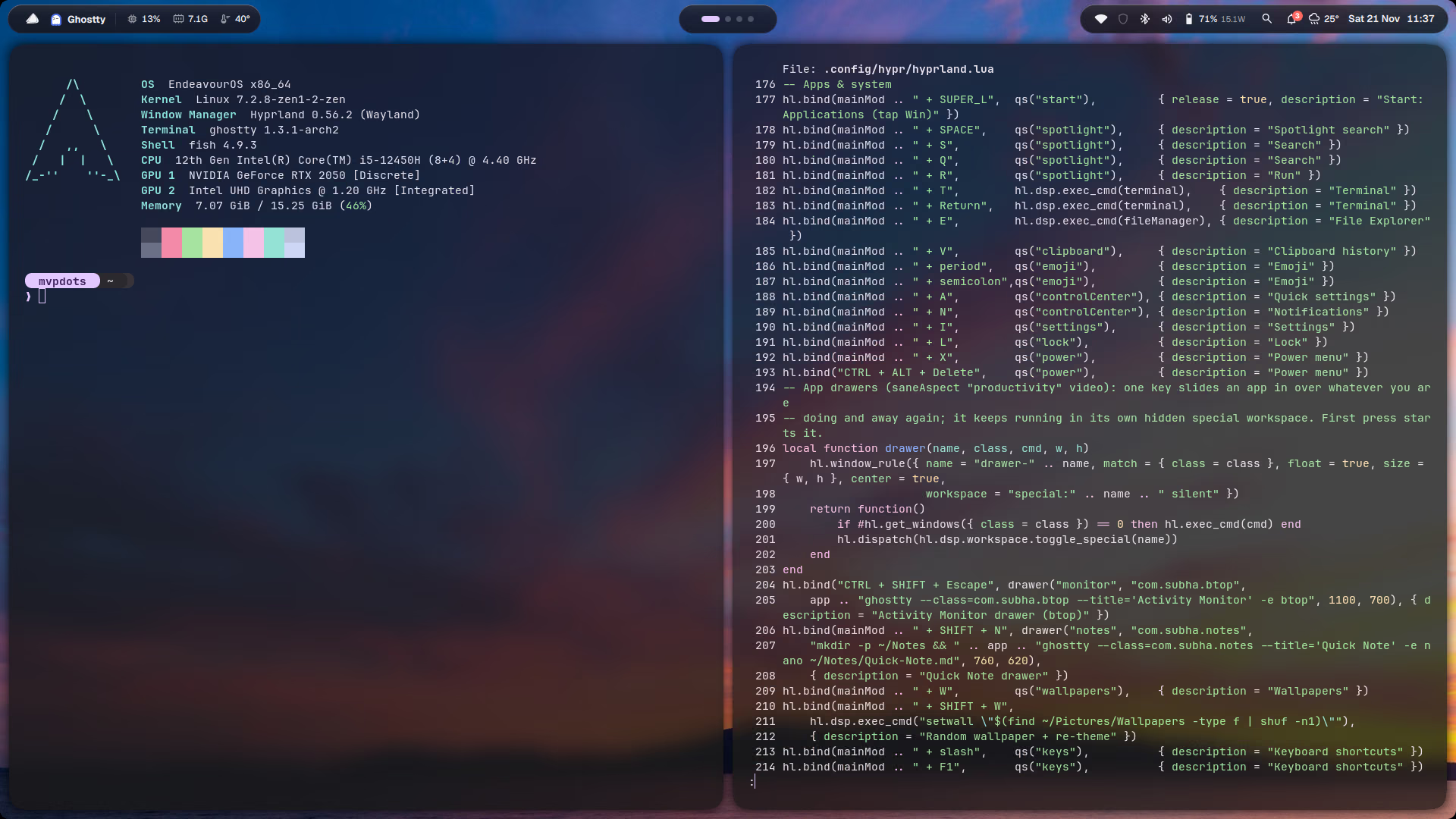
Everything a desktop needs,already put together

Dynamic Island
Volume, messages, music and the calendar all grow out of one capsule in the bar. Spotlight and Control Centre open inside it too.
For the bar, island, dock and every panel. About 1 % CPU at idle.
Spotlight
Apps, maths and units, files, settings and the web.

Colours from the wallpaper
matugen repaints the shell, GTK, Qt, the terminal and the borders.
Your habits, kept
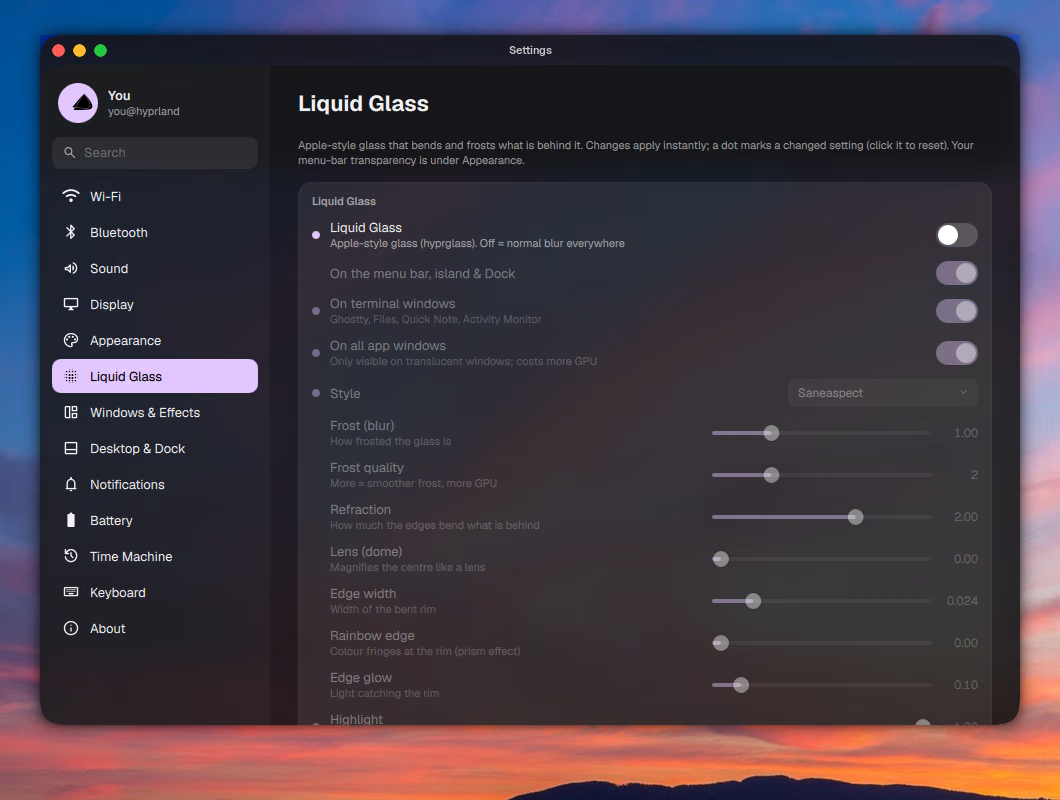
Liquid Glass, tuned in Settings
Frost, refraction, edge glow, and where the glass appears.

Lock, sleep, restart
The power menu on Win+X or Ctrl+Alt+Del, over a blurred desktop.
One capsule that turnsinto what you need
Pick a state to see it on the desktop.

Notifications
Messages slide out of the island
Win+N all notifications
“A banner grows out of the capsule, waits a moment, and tucks itself back in.”


Out of the way,until you need it
A macOS dock that knows when to get out of the way. Try it: open a window on the desktop to the right.
- Hides only when it would be coveredAn empty desktop keeps it on screen; a window over it sends it away.
- Magnifies under the pointerRunning apps get a dot underneath.
- Minimised windows after the dividerClick one to bring it back where it was.

Open any partof the shell

Applications
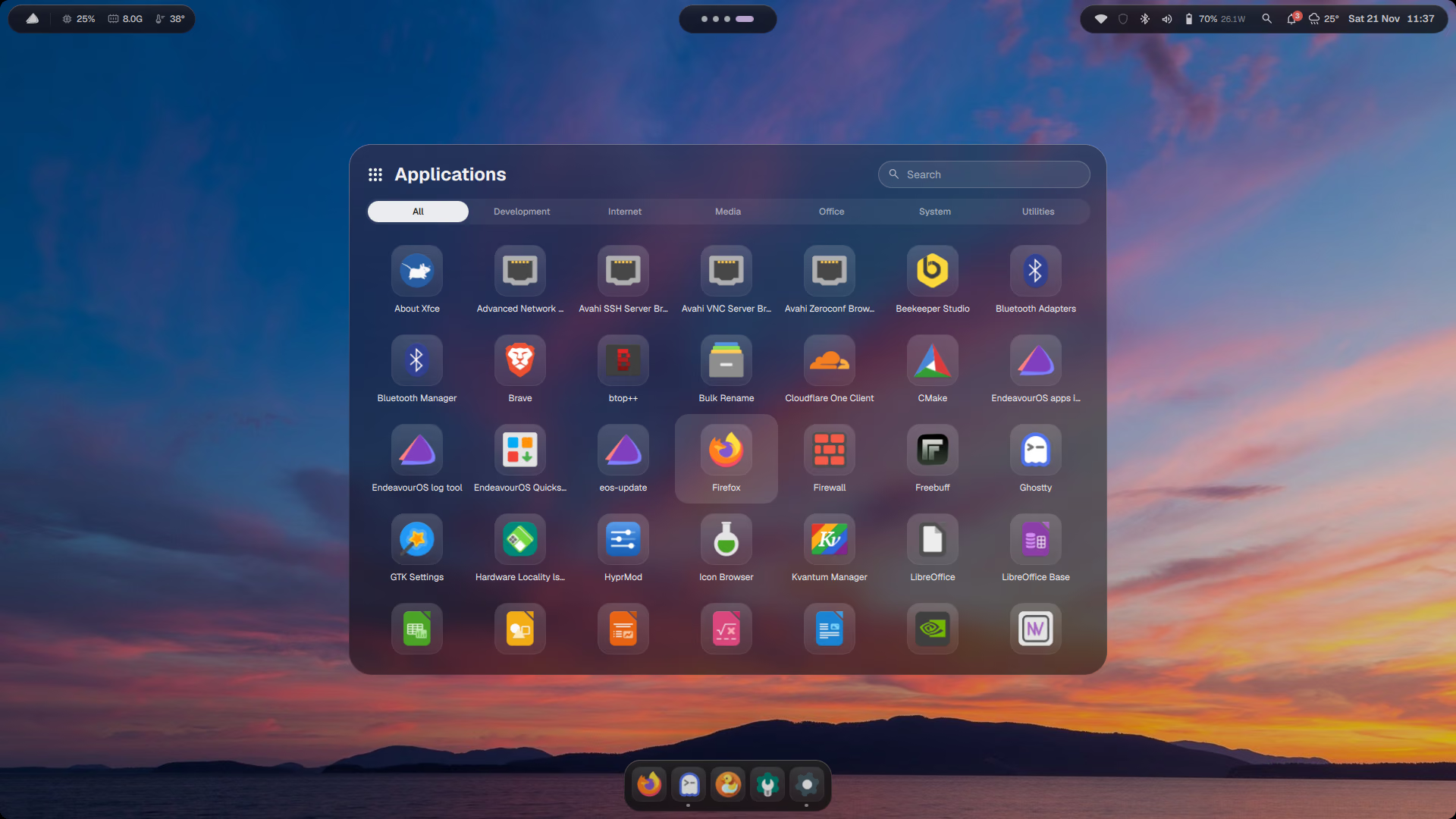
Tap Win and every app is there, sorted into tabs. Start typing to filter, or pick a tab.
Tap Win and every app is there, sorted into tabs. Start typing to filter, or pick a tab.
Read how it worksWi-Fi, Bluetooth, sound in and out, brightness, night light, keep awake and power mode. It grows out of the island instead of opening a window.
Read how it worksEvery desktop as a thumbnail, the current one spread out with live previews. Click to focus, drag to move a window, middle-click to close it.
Read how it worksDraw a box around any text on screen and it lands on the clipboard. The screenshot toolbar next to it does region, window, screen and recording.
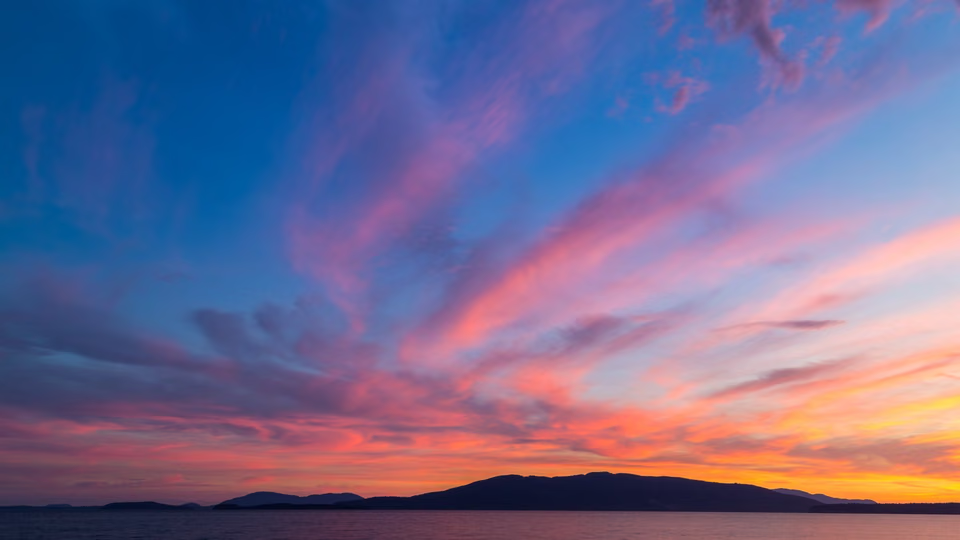
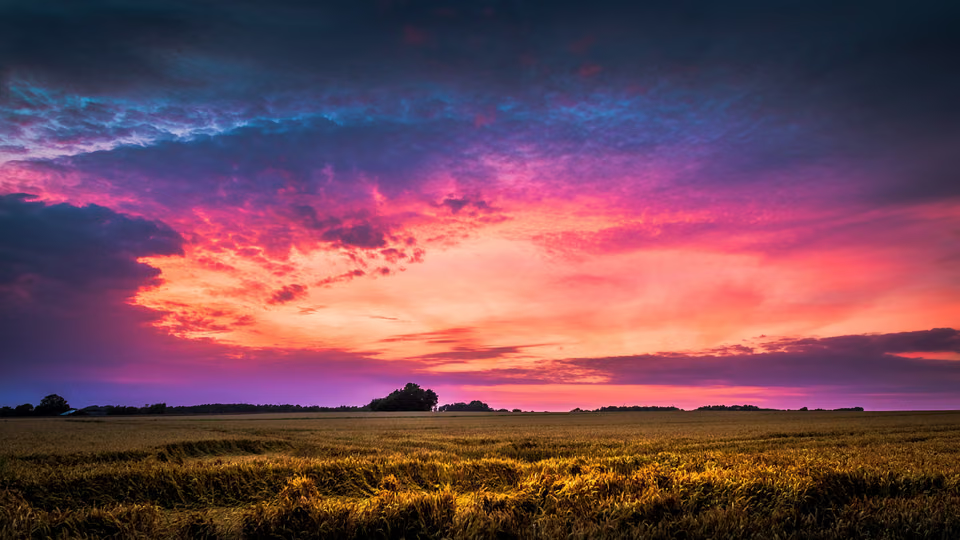
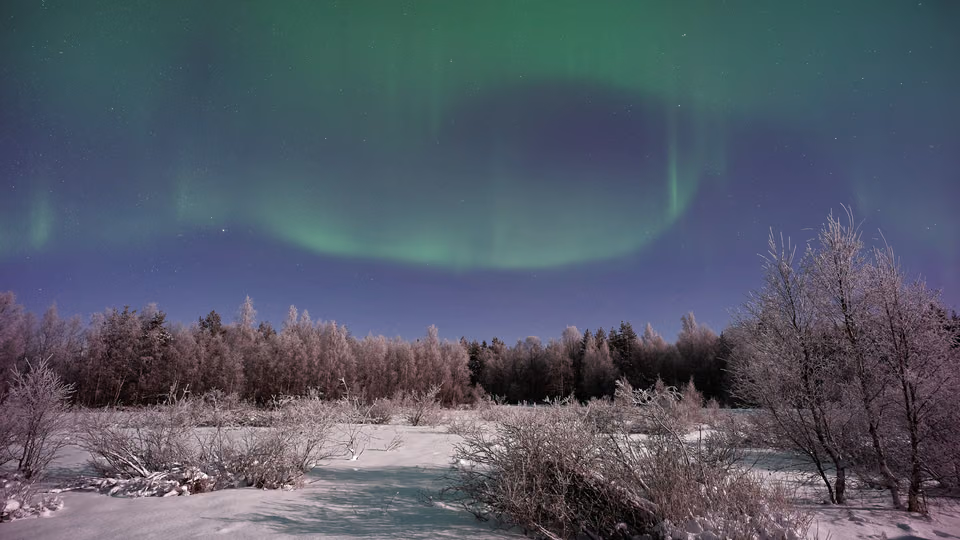
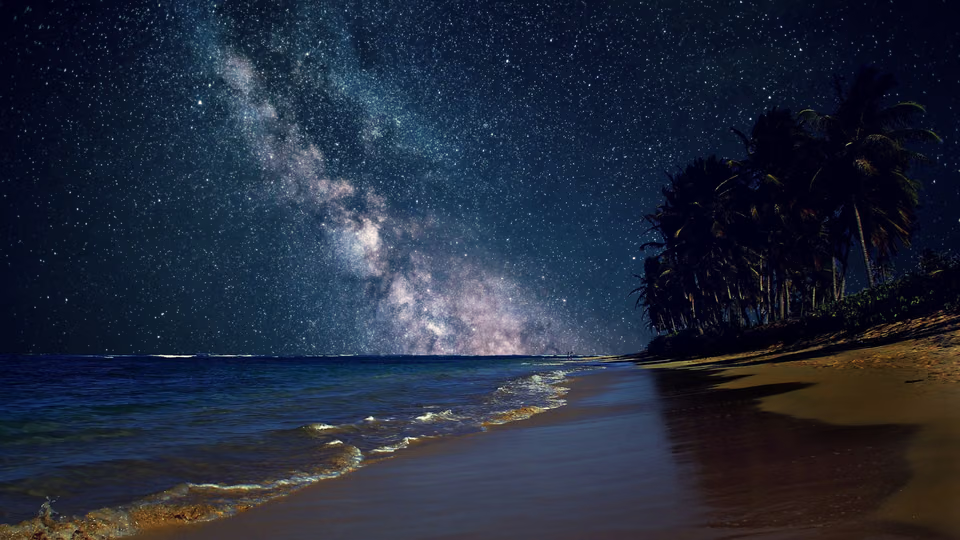
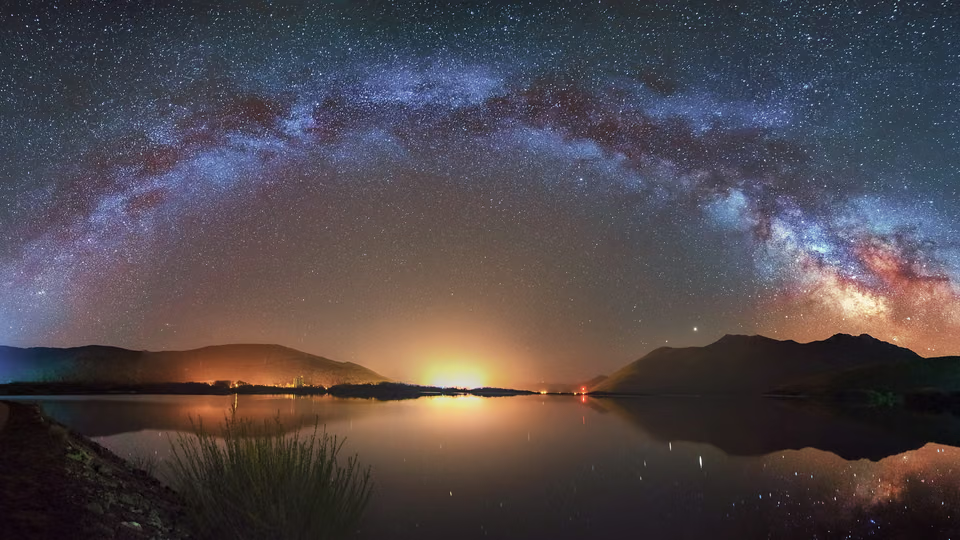
Read how it worksChange the wallpaper, the whole desktop follows
Pick a palette and watch it travel: from the image, through matugen, into every app. Each one is a real run on the desktop.
$ setaccent "#cba6f7"colors.jsoncolors.cssmatugen.confthemes/Matugencolors.luastarship.tomlthemes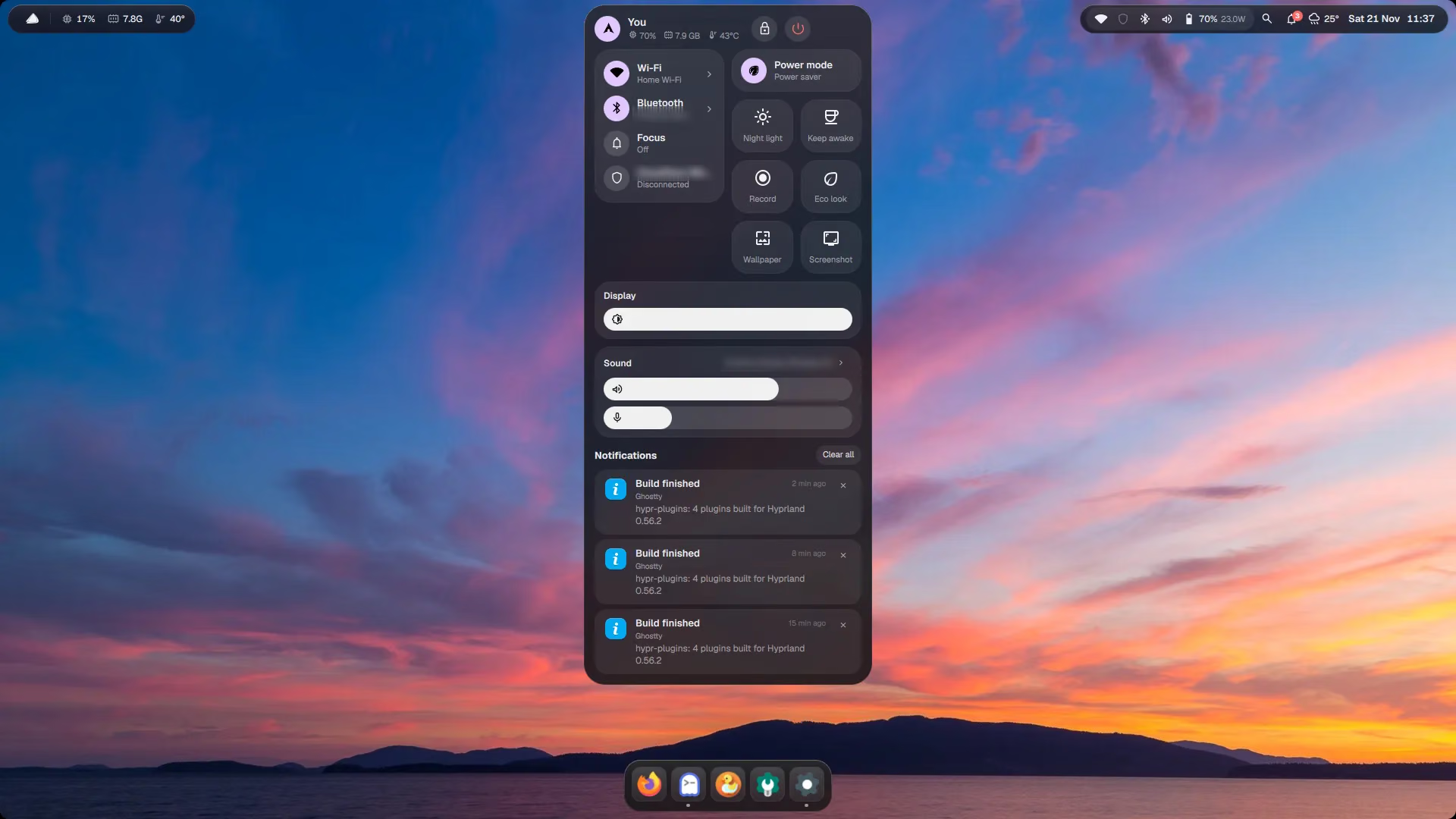
Point at a key, see what it opens
Windows habits for windows, macOS features for everything else. Win+/ shows all of them on the desktop.
A laptop that ishard to break

./install.sh --grubA snapshot before every package change. Pick one in the boot menu and the laptop starts as it was.
❯ prime-run game
wakes it only for that app
At most a fifth of RAM holds compressed pages (zstd), so idle apps shrink instead of going to disk.
swappiness 100 · page-cluster 0
My laptop beatsmacOS too
Measured on my own laptop (12th-gen Intel i5, 16 GB RAM, RTX 2050), compared with what macOS ships. Your hardware will differ.
One command.A backup of everything.
./uninstall.sh puts your old setup back.- 01Clone it and run the installerPackages for your distro, the configs, the wallpapers and the colours, then the user services.
- 02Your old configs are saved firstEverything it would replace goes to ~/.local/state/dotfiles/backup-<date>/ before a single file is copied.
- 03Log out and pick HyprlandChoose “Hyprland (uwsm-managed)” on the login screen. Plugins build for your exact Hyprland version.
- Installation guide
git clone https://github.com/subhadeeproy3902/dotfiles.git && cd dotfiles && ./install.shGood questions,straight answers
Every part of the desktop has its own page: what it does, its shortcut, the code and how to change it.
No. It installs as its own session next to GNOME, KDE or whatever you use; you pick it on the login screen. Every config file it replaces is backed up, and ./uninstall.sh puts them back.
Arch, EndeavourOS, CachyOS and Manjaro fully. Ubuntu 25.10 and 26.04 LTS through two PPAs (the installer adds them). Fedora works through COPR and is experimental. Anywhere else the configs install once you have Hyprland 0.55+ and Quickshell 0.3+: ./install.sh --doctor lists what is missing.
Yes. Use VMware Workstation or VirtualBox 7 with 3D acceleration turned on, give it 2+ CPU cores and 4 GB of RAM, install Ubuntu 26.04 LTS and run the installer. Answer No to the plugins question; without a real GPU, Eco look (Win+Alt+G) keeps it smooth.
Not the desktop: the config is plain Hyprland Lua. The optional plugins rebuild themselves at the next login for the new version, using the same version pins as Hyprland’s own plugin manager, and anything Hyprland refuses to load is skipped.
About 220 MB of RAM and around 1 % CPU for the whole shell (bar, island, dock and every panel) on a 12th-gen i5. Panels exist only while open, and everything pauses on the lock screen.
No. It was built on a laptop that draws the desktop with integrated Intel graphics while the NVIDIA GPU sleeps. Liquid Glass is optional; Eco look (Win+Alt+G) turns off blur, shadows and animations in one key press.
Most things: Settings (Win+I) covers glass, gaps, corners, animations, the dock, hot corners, accent colours, fonts and shortcuts. Your own Hyprland lines go in ~/.config/hypr/user.lua, which updates never touch.