 MvpDots
Control Centre & Notifications
Wi-Fi, Bluetooth, sound, brightness and every notification, without a terminal.
Control Centre (Win+A)
Opens inside the island:
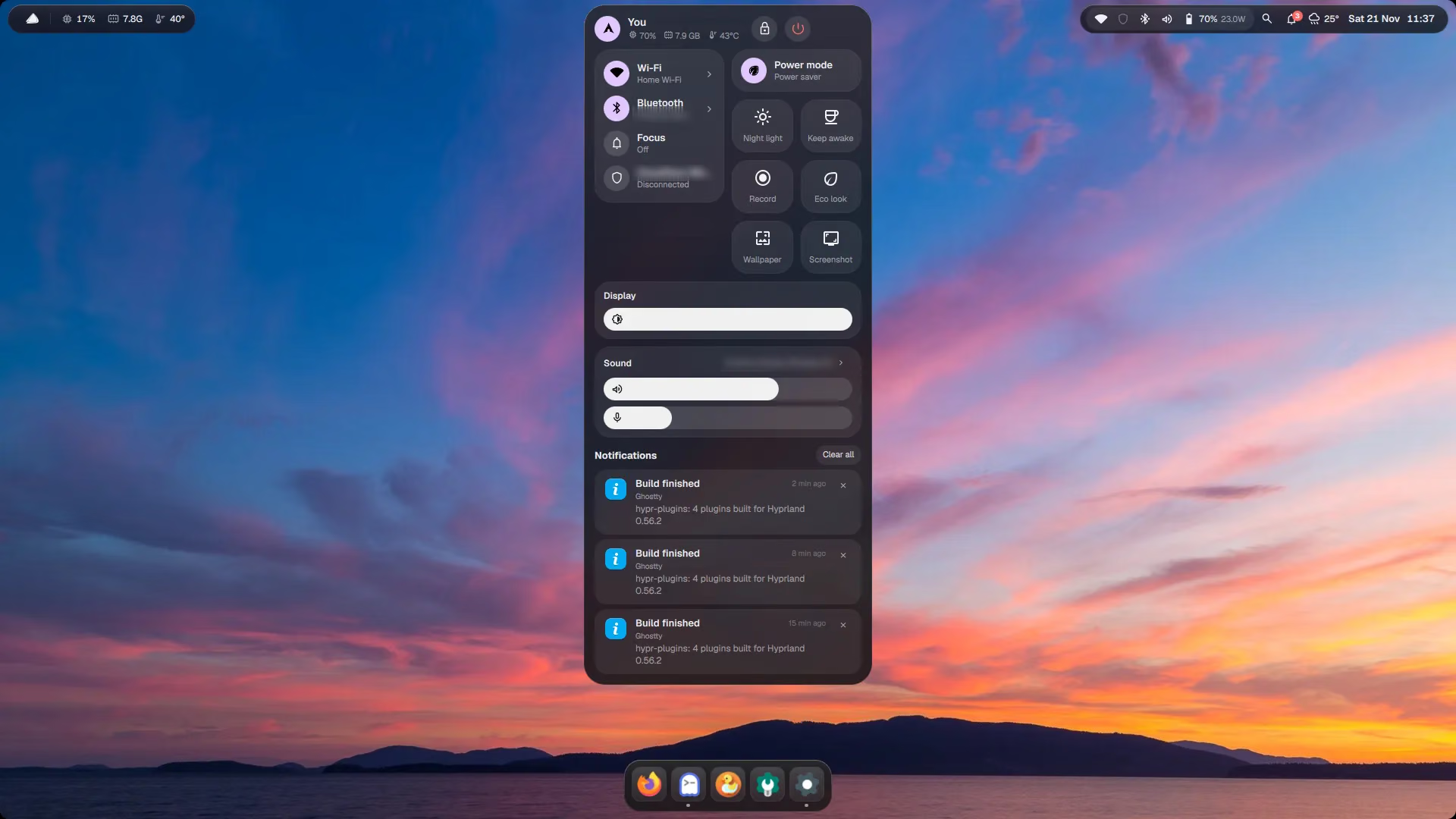
- Wi-Fi and Bluetooth lists: connect, disconnect, pair. Scanning runs only while a list is open.
- Sound: output and input device, volume sliders.
- Brightness, night light, keep awake, do not disturb.
- Power mode (power saver / balanced / performance).
- Live CPU, RAM and temperature, read only while the panel is open.
- Lock and power buttons in the header.
Notifications (Win+N)
- New notifications appear in the island for a few seconds.
- The Notification Centre keeps the last 50, with the apps' action buttons.
- History is saved to
~/.local/state/quickshell/notifs.json, so it survives a restart, like on macOS.
Indicators
A small coloured dot appears in the bar while the camera, microphone or a screen recording is active. The camera watch is event-driven (inotify), so nothing polls in the background.